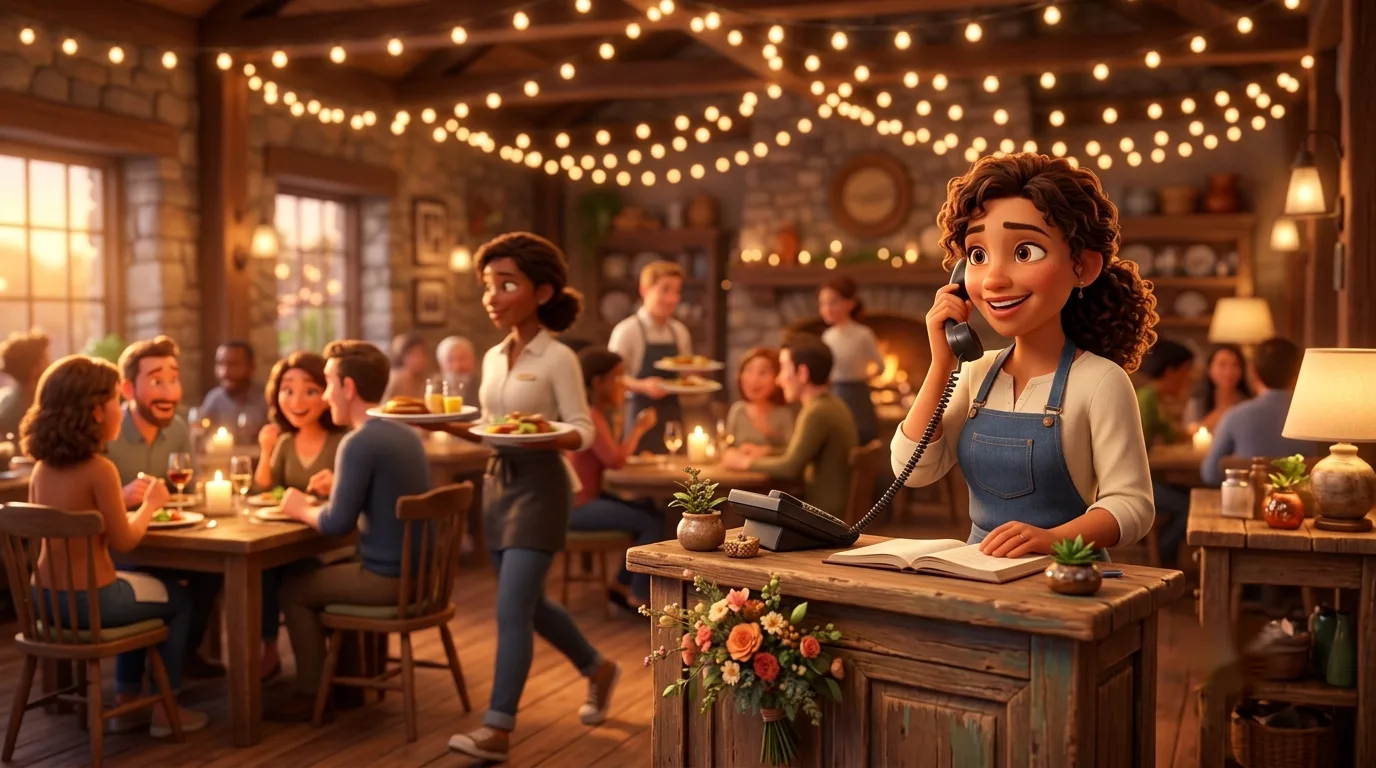
Nobody has a free hand at 6:30 on a Friday.
We configure restaurant phones to answer the questions callers actually ask — hours, takeout, reservations — before a busy host ever has to pick up. The greeting does the repetitive work; your staff does the hospitality.
Half your calls are the same three questions.
Listen to a restaurant phone for a week and a pattern emerges fast: are you open, where are you, can I place a to-go order. Every one of those rings pulls a host away from the door or a barista off the machine — during exactly the hours when the room needs them most. Meanwhile the caller who actually wanted a Saturday reservation for eight hits a busy signal and books somewhere quieter.
CocoaVoIP starts your restaurant from a working configuration, not a blank switchboard: a greeting that already knows your hours, a takeout line that rings at the counter instead of the host stand, and an overflow path that turns missed reservation calls into texts you can answer between seatings. You adjust the details on a quick onboarding call — most restaurants are live the same day.
Built for the way a dinner rush actually rings.
Every feature below is included on every plan — this is the restaurant starting configuration we set up with you, free.
Hours & location greeting
The greeting answers “are you open?” and “where do I park?” automatically — and it knows your schedule, so the answer changes with the day. That quietly removes half your call volume.
Dedicated takeout line
To-go orders ring a phone at the counter, not the host stand, so dine-in service and pickup orders stop fighting for one handset during the rush.
Reservation overflow
When the host can't grab the phone in time, callers roll to voicemail-to-text so you can call back between seatings — instead of losing the eight-top to the place down the block.
Multi-location routing
One advertised number sends each caller to the store nearest them, with per-location hours built in. One number on the menus, the right kitchen on the line.
Voicemail you can read
Messages arrive in email with AI transcripts, so the manager can skim last night's voicemails with morning coffee instead of standing by the phone hitting play.
Survives an internet outage
If the restaurant's connection drops mid-service, calls automatically fail over to the mobile app on cell data or forward to any number you choose. The phones stay up even when the wifi doesn't.
What a call to your restaurant actually does.
Here's the restaurant starting configuration, step by step — every piece of it adjustable on your onboarding call.
- 1
The greeting handles the easy stuff
Hours, address, and parking are answered before a human picks up — and the greeting flips automatically between open, closed, and holiday schedules.
- 2
Callers pick a lane
“Takeout order,” “reservation,” “everything else” — each option rings a different phone, so the counter handles to-go and the host stand handles the room.
- 3
Takeout rings at the counter
Pickup orders go straight to a handset by the register or a mobile app in an apron pocket — never to the host mid-greet with a party of six at the door.
- 4
Missed reservation calls become texts
If the host can't answer in time, the caller rolls to voicemail-to-text. You read it between seatings and call back before they've booked elsewhere.
- 5
After close, the greeting takes over
Callers hear tomorrow's hours and can leave a message that lands in email as a transcript — no phone ringing over the sound of the closing crew mopping.
Restaurant and cafe questions, answered straight.
Let the host work the room, not the phone.
A quick call with a setup specialist and your restaurant configuration goes live the same day — 30-day free trial, no credit card, keep your number.
✓ Live in 10 minutes · ✓ Free number porting · ✓ 30-day money-back guarantee