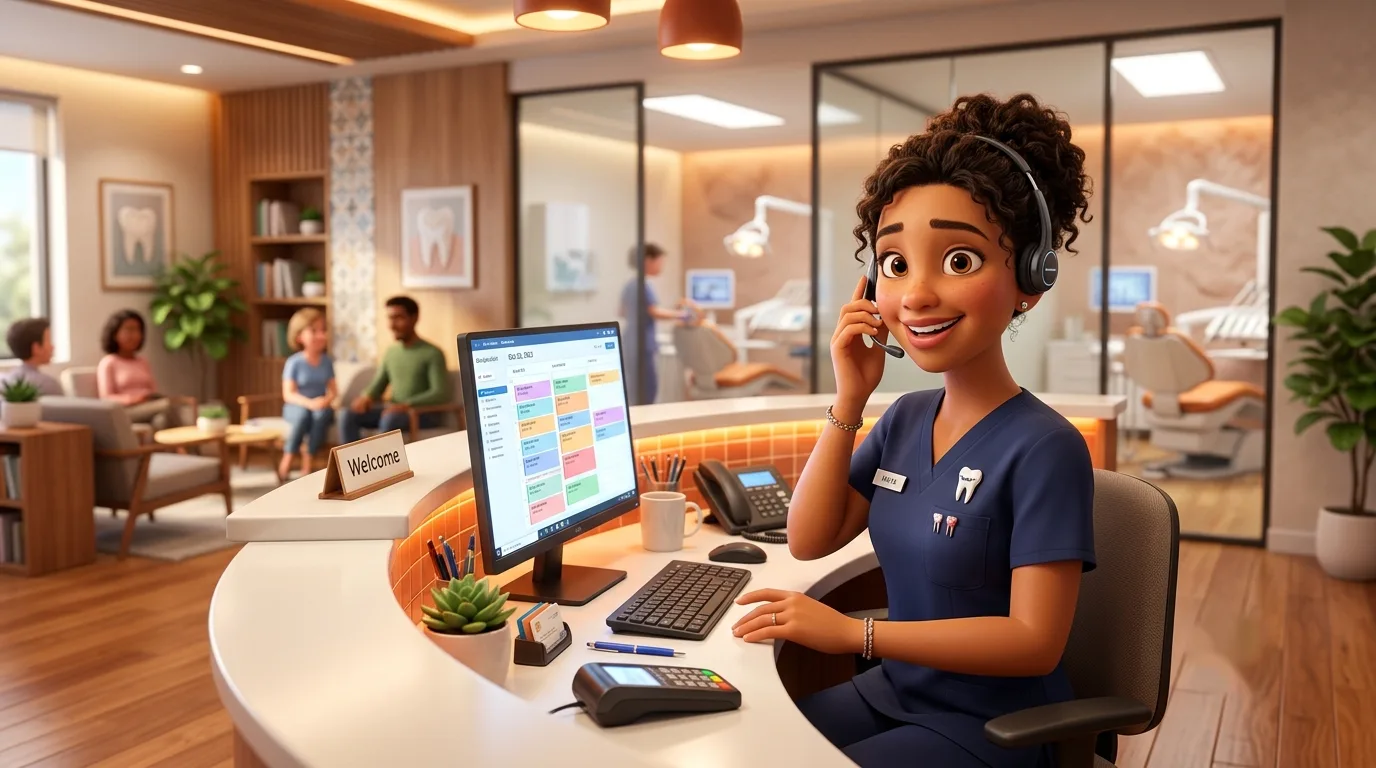
The phone system your front desk would design.
A dental office lives and dies by its recall list and its hold time. We route new patients, hygiene reactivation, and the occasional cracked-tooth emergency down different, faster paths — so the schedule stays full and the front desk stays sane.
Your schedule is only as good as your phones.
Every dental consultant says the same thing: production starts at the front desk. A missed new-patient call is the most expensive call your practice will ever drop — industry studies put the lifetime value of a new dental patient in the thousands, and most callers who hit voicemail simply dial the next practice on the map.
CocoaVoIP starts your practice from a working dental configuration, not a blank switchboard: a greeting that separates booking calls from billing questions, a recall texting flow that refills hygiene, and an after-hours path that gets real emergencies to the on-call dentist without waking anyone for a price check. You adjust the details on a quick onboarding call — most practices are live the same day.
Built for the way a practice actually rings.
Every feature below is included on every plan — this is the dental starting configuration we set up with you, free.
New-patient fast lane
A dedicated menu option rings your treatment coordinators first — and cascades to backup phones — because new-patient calls should never wait behind insurance questions.
Hygiene recall texting
Overdue-cleaning reminders go out by SMS from your main office number, and patient replies land with whoever manages the hygiene schedule. Reactivation without the phone tag.
After-hours emergency line
Callers in real pain press one option and reach the on-call dentist's cell. Everyone else hears tomorrow's first opening and leaves a voicemail that's transcribed to email.
Confirmation & no-show texts
Appointment confirmations from the number patients already know. Fewer no-shows, and a quick waitlist blast fills the 2pm cancellation before the doctor notices.
Practice-software friendly
Works alongside Dentrix, Eaglesoft, Open Dental, and the other major practice management platforms, so calls and patient records stay connected.
HIPAA-ready when you need it
Encrypted voicemail and transcripts on every plan, and a signed BAA on Pro for practices that want the paperwork to say so.
What a call to your practice actually does.
Here's the dental starting configuration, step by step — every piece of it adjustable on your onboarding call.
- 1
The greeting answers the easy stuff
Hours, address, and parking are handled before a human picks up — which quietly removes a chunk of your call volume on day one.
- 2
Callers pick a lane
“New patient,” “schedule or change an appointment,” “billing and insurance” — each option rings the right desk instead of whoever grabs the phone first.
- 3
New patients skip the line
Option one rings your treatment coordinator's desk and backup phone together. If nobody answers in 20 seconds, the call rolls to a mobile app — not to voicemail.
- 4
Missed calls text back
If a booking call does slip through during a busy morning, the caller instantly gets a text from your office number offering to schedule by reply.
- 5
After close, emergencies find the doctor
The after-hours menu separates “cracked tooth, real pain” from “reschedule my cleaning.” Only the first one rings the on-call dentist's cell.
Dental practice questions, answered straight.
Put your front desk back in control.
A quick call with a setup specialist and your dental configuration goes live the same day — 30-day free trial, no credit card, keep your number.
✓ Live in 10 minutes · ✓ Free number porting · ✓ 30-day money-back guarantee